

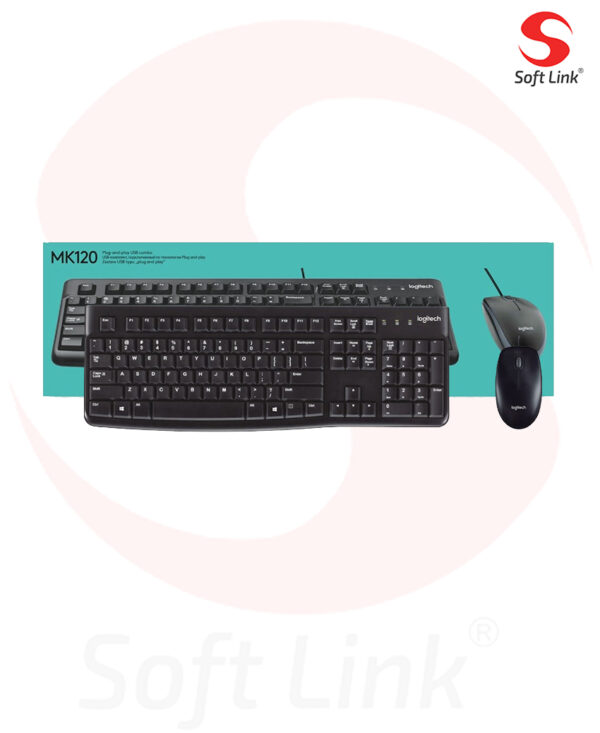
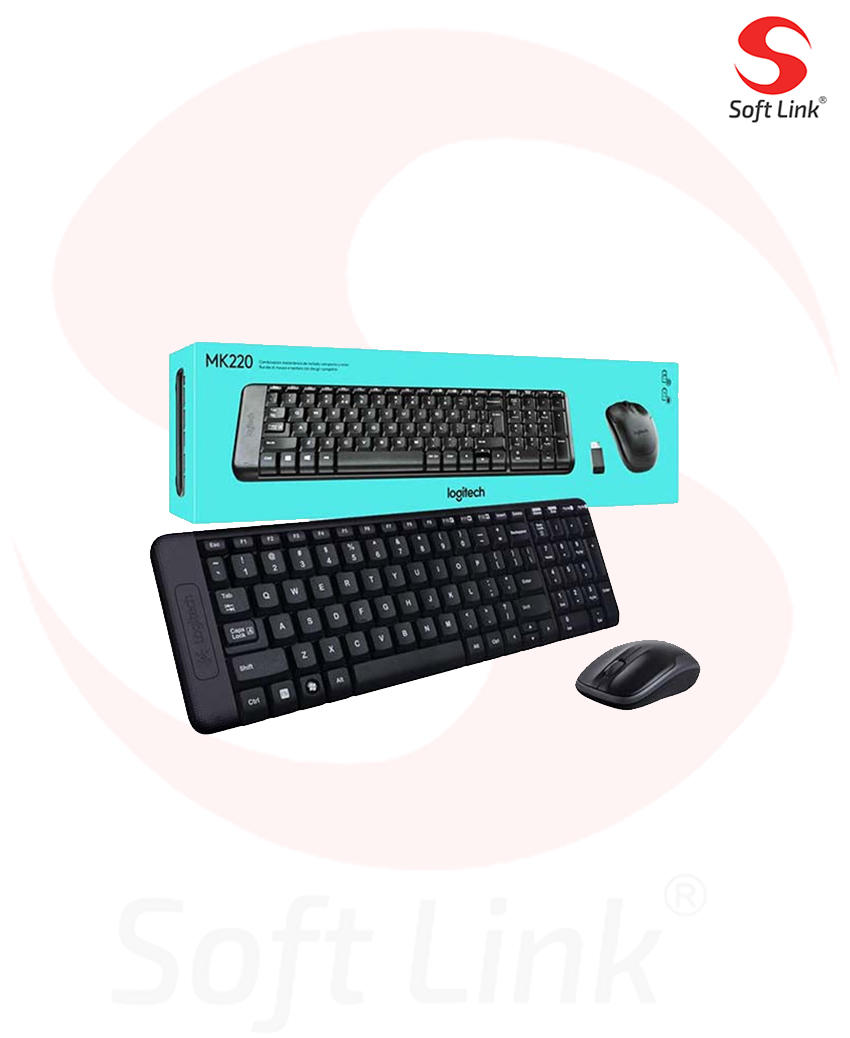
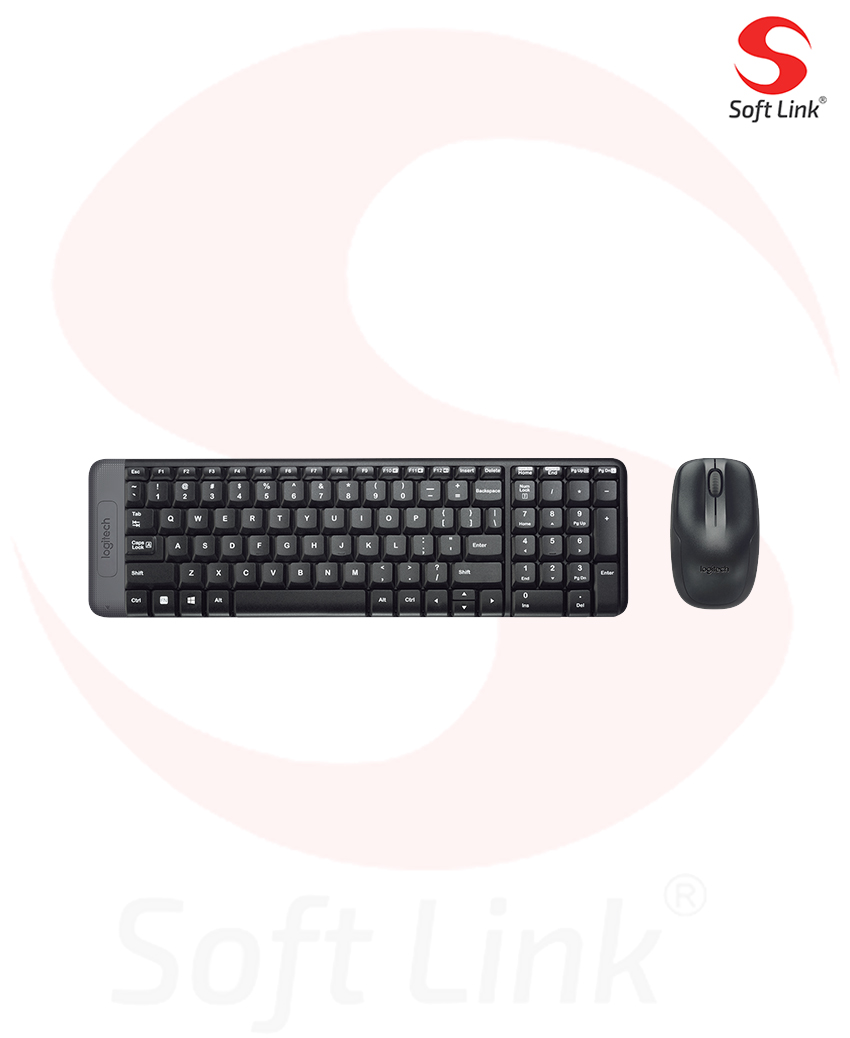
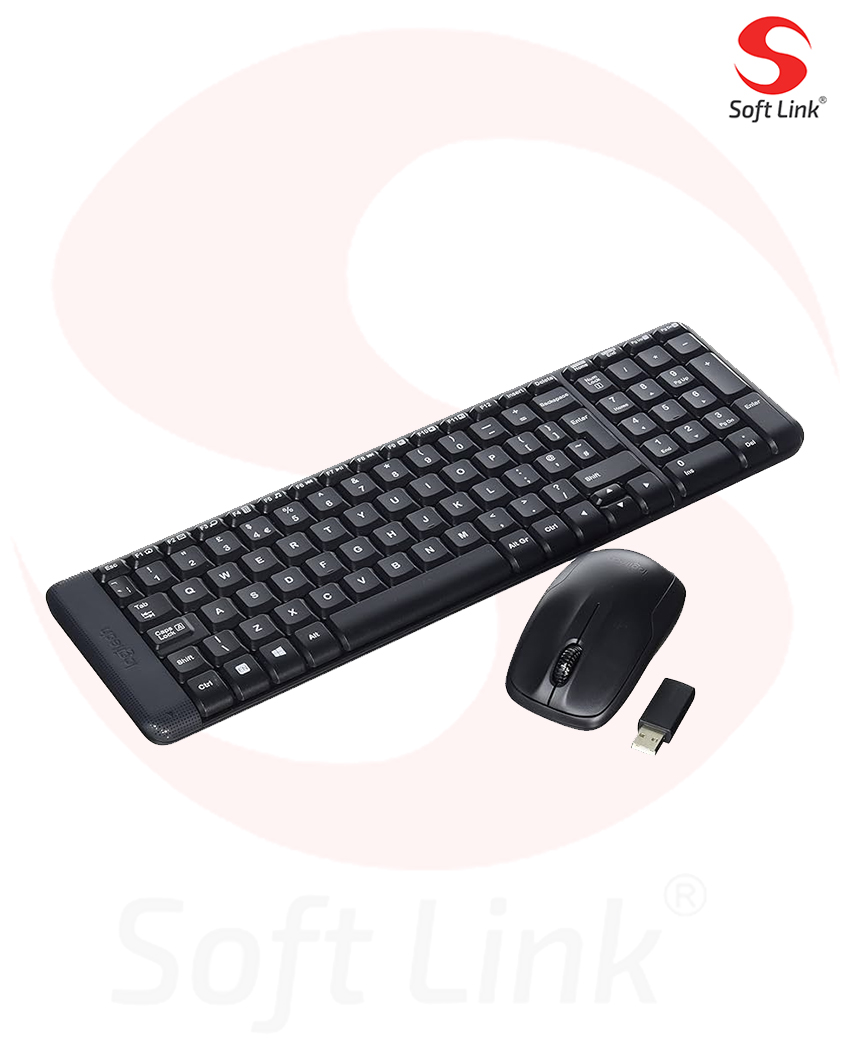
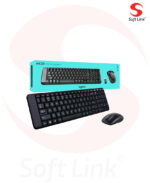
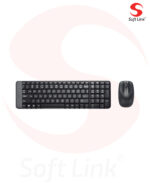
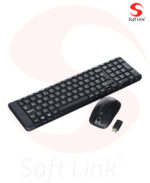
Logitech Mk220 Wired keyboard and Mouse Combo

About this item

  • The compact keyboard is 36% smaller than regular keyboards, but retains all standard keys. The wireless connection almost completely eliminates delays, interruptions and interference and offers a range of up to 10 meters.
  • 24 months of keyboard battery life and five months of mouse batteries for months without worrying about changing batteries. The minimalist design of the keyboard, has a purpose, makes it compact and elegant at the same time.
  • Wireless connection almost completely eliminates delays, interruptions and interference. Simply connect the wireless receiver to the USB port of your computer to start using the keyboard immediately without software.
  • Note! If the mouse cursor or keyboard input is slow or not working properly, close all open applications. If performance improves, the number of open applications may be interfering with your PC’s connection to the mouse or keyboard. Check reported battery levels. For Bluetooth connections, select Home > Settings > Devices > Bluetooth and other devices. For wireless connections, replace batteries.
  • Restart your PC. This will update the drivers if updates have been made recently. Change mouse cursor settings. Select Start > Settings > Devices > Mouse > Additional Mouse Options > Pointer Options and adjust the pointer speed.
  • If my keyboard or mouse doesn’t do what I want, you can change the settings, set the left click, right button and center button, main settings and settings, and scroll resolution. Select Start > Settings > Devices > Mouse to make basic changes.
  • If my mouse scroll wheel does not work as expected, you can use the mouse wheel to scroll and also as a button. Press the wheel changes to other open programs on your desktop. Sometimes, while scrolling, you can accidentally press the wheel and accidentally switch to another open program. That’s why the active window seems to disappear but is still open on your desktop. If you want to return to the previous window, press the wheel until the window appears again or use the Windows taskbar to switch to the desired window. To fix the problem, avoid pressing the wheel while rolling.

899 EGP

14 People watching this product now!

Description

Logitech Mk220 Wired keyboard and Mouse Combo

Specs and Compatibility


Dimensions

  • Keyboard
    • Height: 112 mm
    • Width: 381 mm
    • Depth: 17.78 mm
    • Weight: 320 g
  • Mouse
    • Height: 107 mm
    • Width: 60 mm
    • Depth: 40 mm
    • Weight: 112 g

Technical Specifications

  • Wireless range: 10 meters 
  • Keyboard
    • 10-Key Number pad
    • Music Controls
    • Up to 5 million keystrokes (excludes number lock key)
    • Key type: Deep-profile
    • Spill-resistant 
    • 2 AAA batteries (Alkaline Batteries)
  • Mouse
    • Sensor technology: Smooth Optical Tracking
    • Number of Buttons: 3 (Left/Right-click, Middle click)
    • Scrolling: line-by-line
    • Scroll Wheel: Yes, optical
    • 2 AA batteries (Alkaline batteries)

System Requirements

  • Windows® 10, 11 or later
  • ChromeOS
  • An available USB ports

Warranty Information

3-year limited hardware warranty

Part Number

Black US International (Qwerty) : 920-003168