
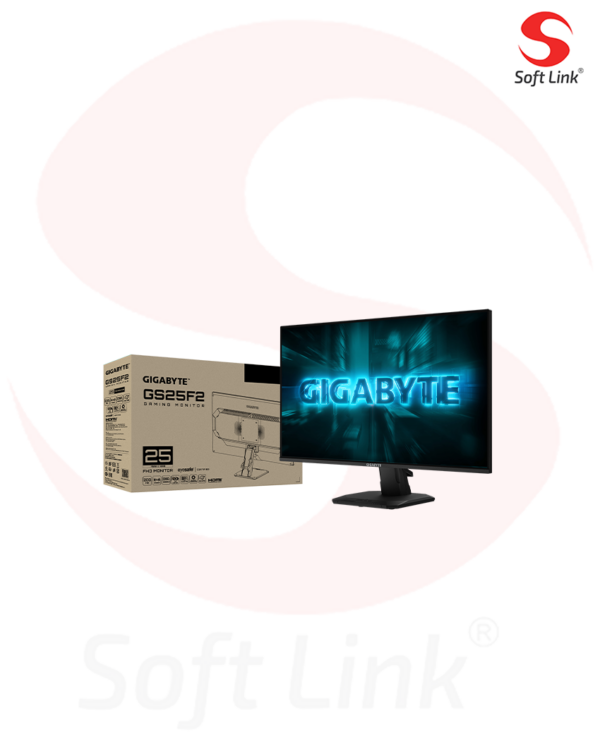
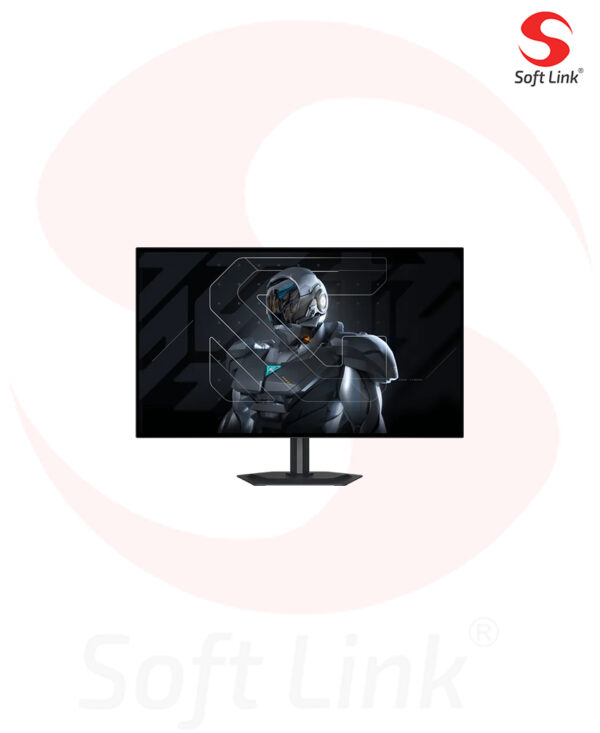
GS27QCA

GIGABYTE GAMING
GS27QCA
JOIN THE FIGHT
It’s time

THE LAST MILE FOR YOUR GAMING SYSTEM

As an unseen player, monitor is often being underestimated. The truth is monitors form as a synergistic effect and bring out the best performance of PC components. GIGABYTE gaming monitors offer the ultimate specifications and quality, users can truly enjoy upscale performance without the need for extravagance.

Support Adaptive-Sync Technology
8,950 EGP

16 People watching this product now!

Description

GS27QCA Gaming Monitor

  • Panel Size (inch)
  • 27″ VA 1500R
  • Panel Type
  • Edge
  • Display Viewing Area (HxV)
  • 596.736 x 335.664 (mm)
  • Color Saturation
  • 122% sRGB
  • Resolution
  • 2560 x 1440 (QHD)
  • Display Surface
  • Non-glare
  • Refresh Rate (Max)
  • 180Hz
  • Pixel Pitch
  • 0.2331*0.2331
  • Brightness
  • 250 cd/m2 (TYP)
  • Contrast Ratio (Typ.)
  • 5000:1
  • Viewing Angle
  • 178°(H)/178°(V)
  • Display Colors
  • 16.7M
  • Response Time
  • 1ms (MPRT)
  • HDR Support
  • HDR Ready
  • Flicker-free
  • Yes
  • HBR3
  • Yes
  • Connectivity
  • 2 x HDMI 2.0
    1 x Displayport 1.4
    1 x Earphone Jack
  • Speaker
  • N/A
  • Unique Features
  • OSD Sidekick*
    Aim Stabilizer
    Black Equalizer
    Crosshair
    Timer
  • Power Type
  • Power Board Build-in
  • Power Consumption
  • 26W**
  • Power Saving Mode
  • <0.5W
  • Power Off Mode
  • <0.3W
  • Voltage
  • AC 100-240V ~ 50/60Hz
  • Tilt(angle)
  • -5°~+20°
  • Swivel(angle)
  • N/A
  • Pivot(angle/direction)
  • N/A
  • Height Adjustment (mm)
  • N/A
  • VESA Wall Mounting(mm)
  • 100*100 mm
  • Kensington lock
  • Yes
  • Phys. Dimension with Stand(WxHxD)
  • 610.5*441*208 mm
  • Phys. Dimension w/o stand  (WxHxD)
  • 610.5*362.5*78.3 mm
  • Box Dimension (WxHxD)
  • 688*448*148 mm
  • Net Weight with stand (Esti.)
  • 4.53 kg
  • Net Weight without stand (Esti.)
  • 3.62 kg
  • Gross Weight (Esti.)
  • 7.1 kg
  • Accessories
  • Power cable/DP cable/QSG/Warranty card
  • Note
  • *To enable OSD Sidekick (integrated in GCC), it requires connection between PC and monitor with HDMI/DP cable.
    **The test condition follows CEC standards.